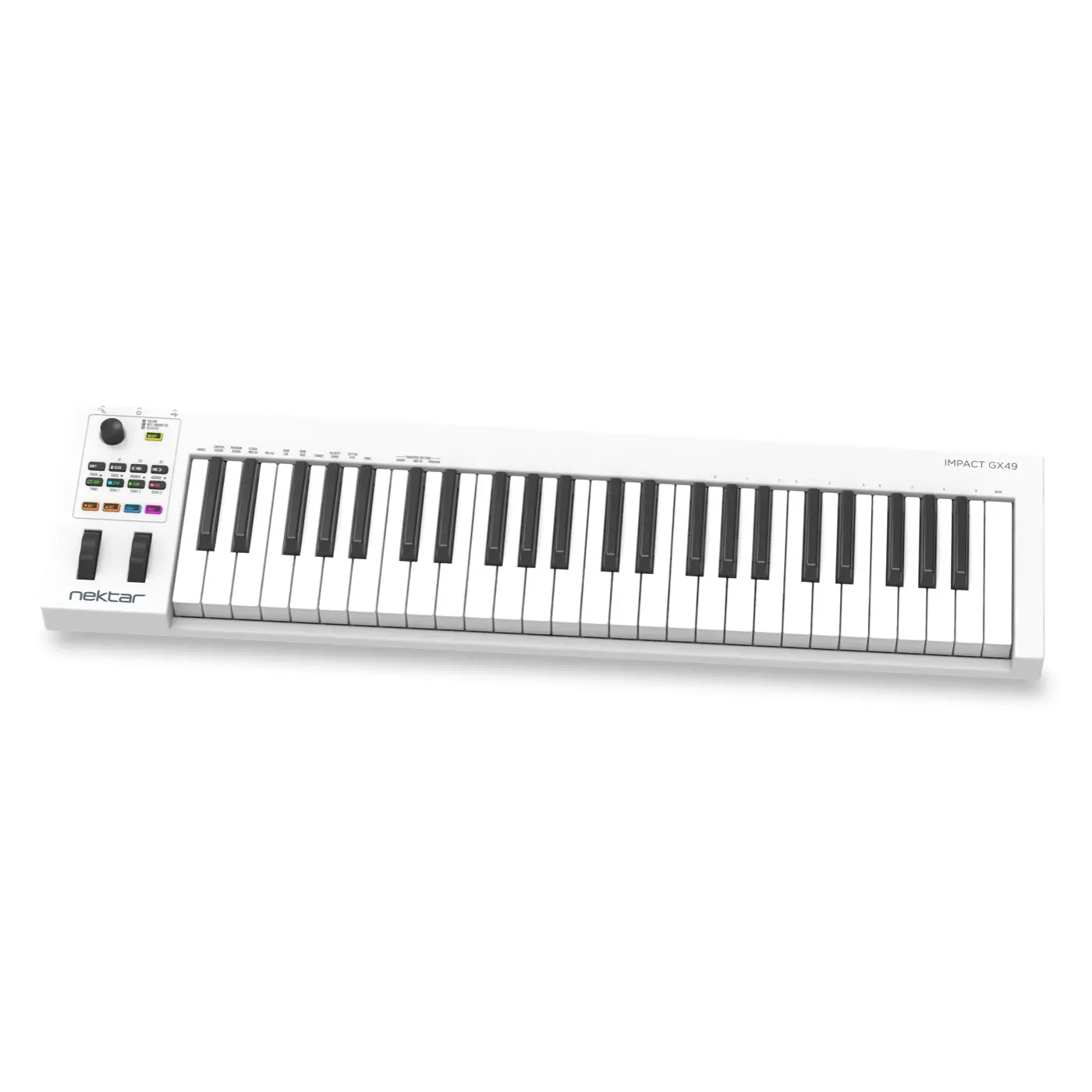
Nektar GX49 mk3 - White
SKU: NEKT_GX49-WH
AUD RRP $229.95 Inc GST*
Ask your local dealer for more information
Find a dealer49-key MIDI controller with upgraded keyboard action, expanded parameter control & extensive software bundle
Categories

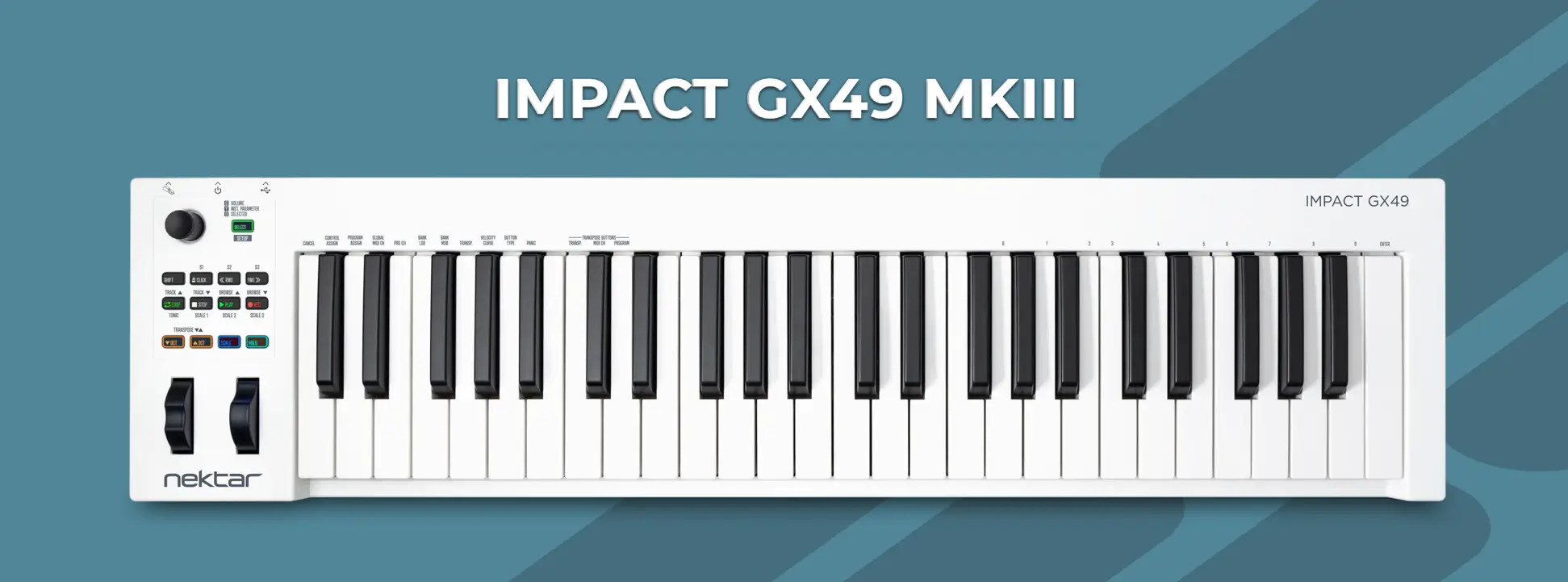
Nektar Technology introduces Impact GX49 mk3 with a host of hardware improvements and expanded Nektar DAW integration. Impact GX49 is designed for users who need a full-size USB MIDI controller keyboard with a compact footprint and easy assignment control of their DAW and plugins.
Highlights
Upgraded keyboard based on Impact LX mk3’s clean touch synth action
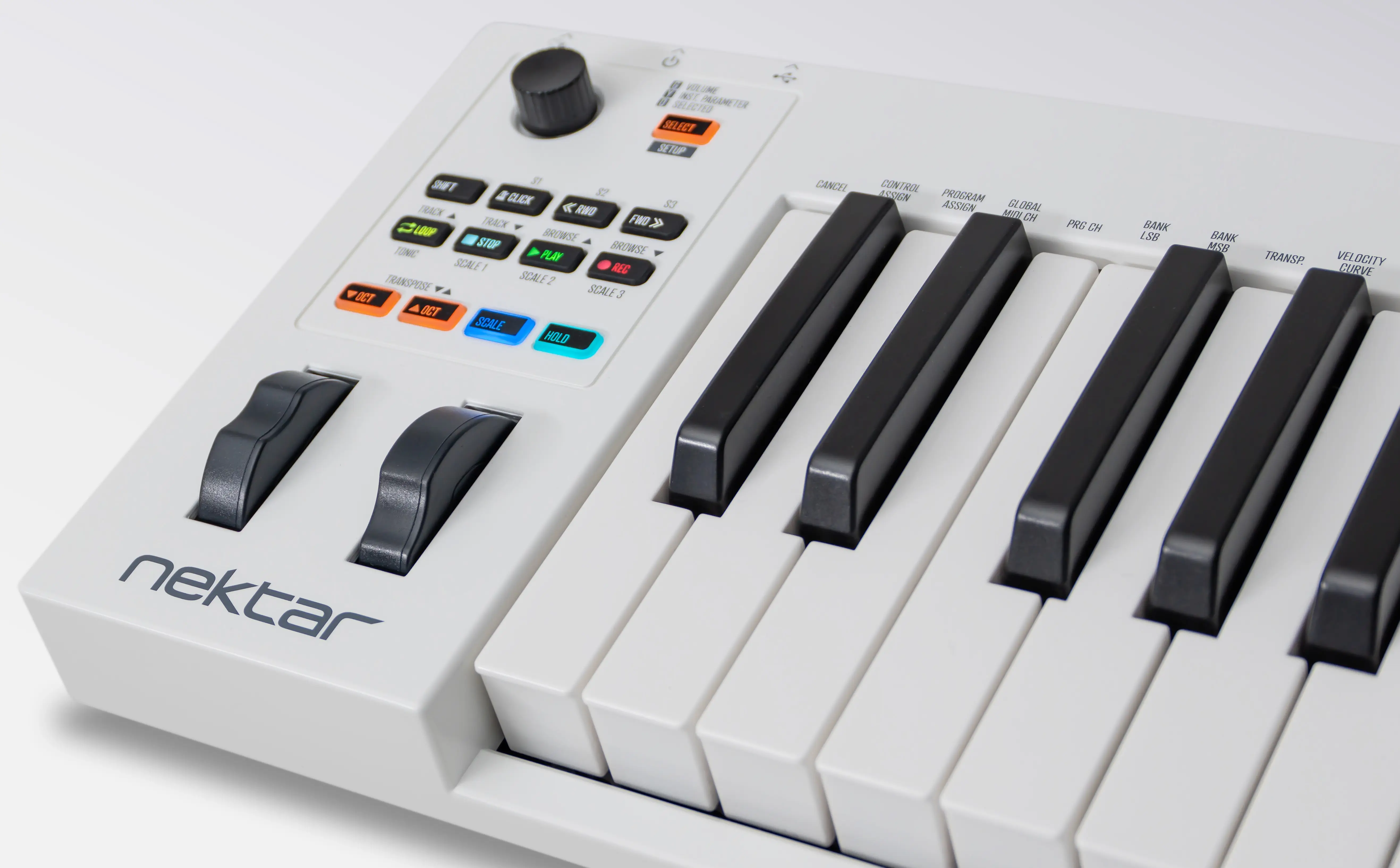
Full-resolution encoder with ‘Click and Control’ feature via Nektar DAW integration
9 RGB illuminated buttons
Scale and Hold firmware functions
Nektar DAW integration with extensive plugin and DAW parameter control, transport and DAW navigation
49- and 61-note models available in black or white
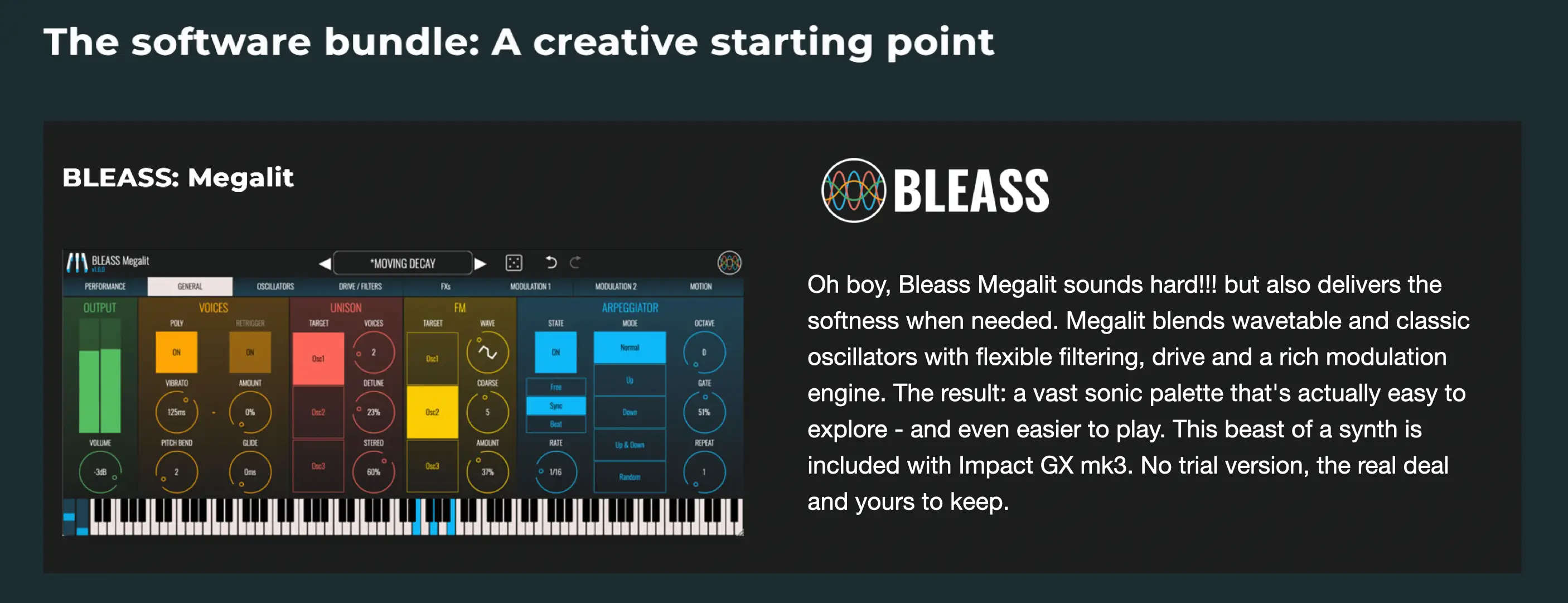
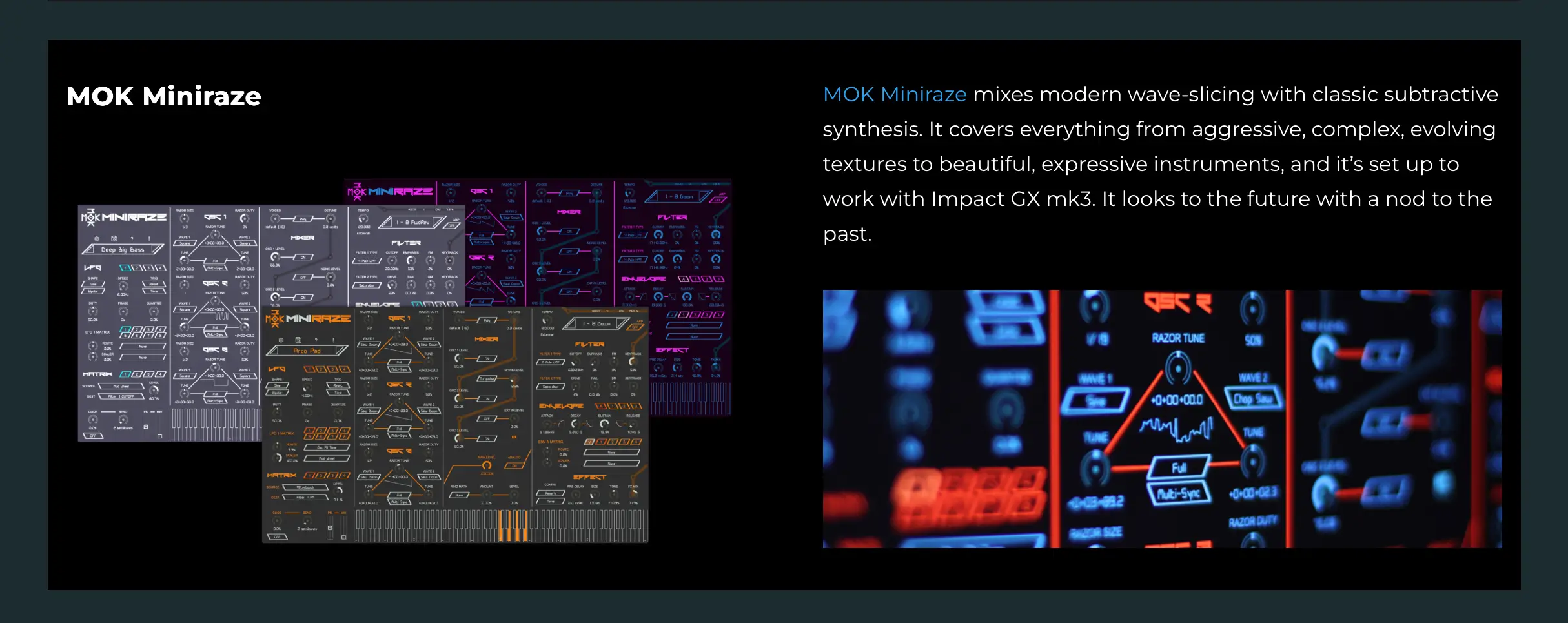
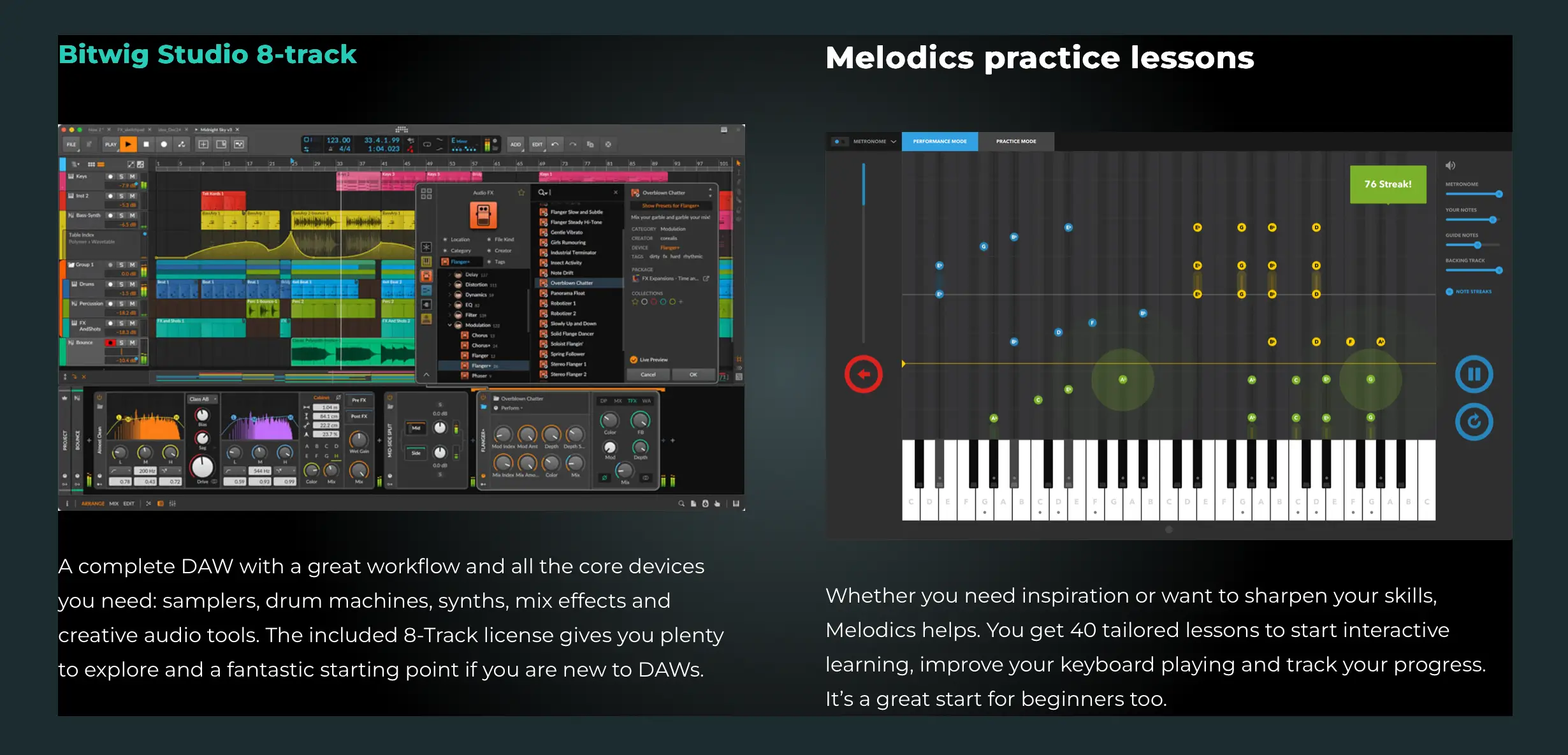
Software bundle: Bitwig Studio 8-Track, BLEASS Megalit, MOK Miniraze and Melodics practice app with 40 lessons

Keyboard and wheels
Both models feature the upgraded clean-touch, synth-action keyboard. Minimal friction paired with an expressive response gives keyboard players and composers a great starting point to realize their music.
Dedicated pitch bend and modulation wheels complement the keyboard along with illuminated Octave buttons that can also be used to adjust transpose.
Scale and Hold
Performance features like Scale and Hold are fun to use and great for players who need a helping hand.
Scale keeps every played note within the chosen scale, no matter which key is pressed. Keys that would normally play notes outside the scale can be used to quickly trigger the same note using two keys (for example, a black and a white key next to each other).
Hold enables continuous legato playing, with notes sustaining until they are replaced by new notes. An additional sostenuto-style option holds the current notes while the rest of the keyboard can be played as normal.
Nektar DAW Integration
Nektar’s custom DAW integration enhances Impact GX49/61 functionality with complete integration for Ableton Live Suite (simplified script for lower versions), Bitwig Studio, Cakewalk/Sonar, Cubase (13 or higher), Fender Studio Pro, FL Studio, GarageBand, Logic Pro (10.8 or higher), Nuendo, Reason, Reaper and Studio One (5–7).
Control of plugin and DAW parameters
Nektar DAW integration enhances the keyboard's functionality with complete integration for supported DAWs. The large full-resolution encoder enables one-rotation relative control of practically any automatable plugin or DAW parameter. The Select LED button toggles 3 modes to control:
Volume of the current DAW mixer channel, with alternate pan control.
Filter cutoff and resonance control (if applicable).
Click any automatable plugin or DAW parameter and adjust it immediately using the large encoder.
Transport, timeline navigation and window management
A 7-button transport button combination adds one-press access to loop/cycle, stop, play, record, click/metronome on/off, rewind and forward. A Shift modifier button lets the same buttons open and close the mixer, plugin and channel windows, with track up/down and browse up/down also accessible.
For power users, the Select button can be used as an additional modifier for these functions:
Click/metronome pre-count
Set loop start at the current location
Set loop end at the current location
Go to loop start
Undo
Quantize selected events
There are also options to use the large encoder to jog through the timeline, set tempo, move the current loop and scrub audio.
Nektar loop record
Nektar DAW integration for Impact GX49/61 mk3 introduces the Nektar looper pioneered on Impact LX mk3 keyboards. Once a performance has been recorded, a button press automatically sets the loop points and activates loop playback for immediate overdubs. It's a fun way to start a creative idea and build on it immediately, without having to consider the length of the loop beforehand.
A MIDI controller for any MIDI software
Impact GX mk3 is a MIDI controller as well as a DAW controller. If you use MIDI software that's not supported by Nektar DAW Integration, a host of options are available for you to set up MIDI control yourself.
Each of the 14 assignable MIDI buttons, the modulation wheel, foot switch and of course the big control knob, can be assigned to send out MIDI cc messages. The assignable buttons (14) can in addition be configured to send out Program message or MMC transport control. MMC (MIDI Machine Control) is often supported by DAWs that don't allow for advanced integration, so with this option Impact GX covers all the bases.
The Setup menu also enables Program messages, Bank LSB/MSB to be sent out on the fly as well as settings for selecting one of the 4 velocity curves, setting the Global MIDI Channel and assigning the transpose buttons.
The transport buttons can be assigned to MIDI messages for use with any MIDI software that's not supported by Nektar DAW Integration. A primary and a secondary message can be programmed for each of 7 buttons, delivering 14 programmable options total.
Connectivity & iOS
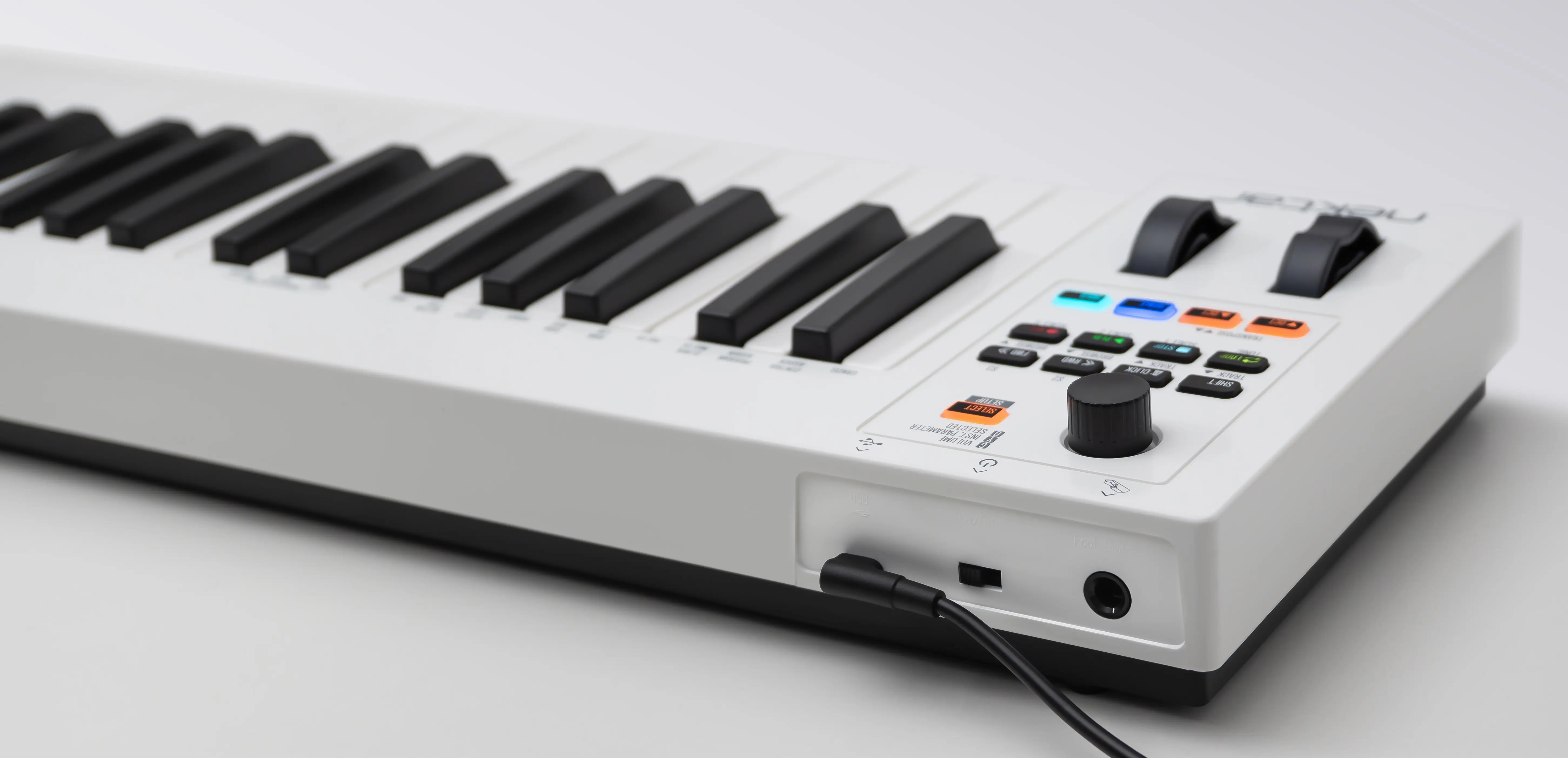
As a low powered USB device, Impact GX mk3 works with all USB devices that feature a Class compliant MIDI driver. That includes all version of Windows from XP and higher, Apple OS X 10.5 and higher plus Linux (as long as a USB MIDI driver package is installed).
And if you are often on the move you can easily hook your Impact GX mk3 keyboard to an Apple iPad using the iPad’s optional USB camera connection kit (optional). Of course the Impact GX is powered by the iPad so you can work away for as long as your iPad remains charged.
The software bundle – a creative starting point
Impact GX49 and GX61 mk3 come with a great collection of software immediately available after registration.
Specifications
* Available in 49- and 61-note configurations with a completely revised "clean-action" synth-action keyboard.
* Pitch bend and modulation wheels.
* Octave/Transpose buttons with RGB LED illumination.
* Scale button with RGB LED illumination and a menu of quick-select buttons for scales from the library.
* Hold button with RGB LED and a choice of 2 hold modes.
* Large full-resolution encoder enabling a wealth of control with the included Nektar DAW integration.
* Select button used to toggle large encoder assignments when Nektar DAW integration is running.
* Loop, Stop, Play and Record buttons with RGB LED illumination.
* 4 additional buttons for Shift, Click, Rewind and Forward (not illuminated).
* USB-C port. USB-C to USB-A cable included.
* On/off switch.
* Powered via USB
* 1/4" TS jack for connecting a footswitch (footswitch not included).
* Fully MIDI programmable from the device.
* Nektar DAW integration for Ableton Live Suite (11 or higher) with simplified script for lower versions, Bitwig Studio, Cakewalk/Sonar, Cubase (13 or higher), Fender Studio.Pro, FL Studio, GarageBand, Logic Pro (10.8 or higher), Nuendo, Reason, Reaper and Studio One (5–7).
* OS requirements: MacOS 10.7 or higher, Windows 7 (SP1), Linux (MIDI driver required), IOS and Android (MIDI driver required).
* Dimensions: GX49: 80.4 (L) x 19.7 (D) x 7 (H) cm , GX61: 96.5 (L) x 19.7 (D) x 7 (H) cm
You may also like
Console 1 Channel MKIII
Softube
$1,349.95
RRP inc GST*
Console 1 Compact
Softube
$949.95
RRP inc GST*
Console 1 Fader MKIII
Softube
$2,099.95
RRP inc GST*
Console 1 System Stand
Softube
$209.95
RRP inc GST*
ESI Xcable
ESI
$69.95
RRP inc GST*
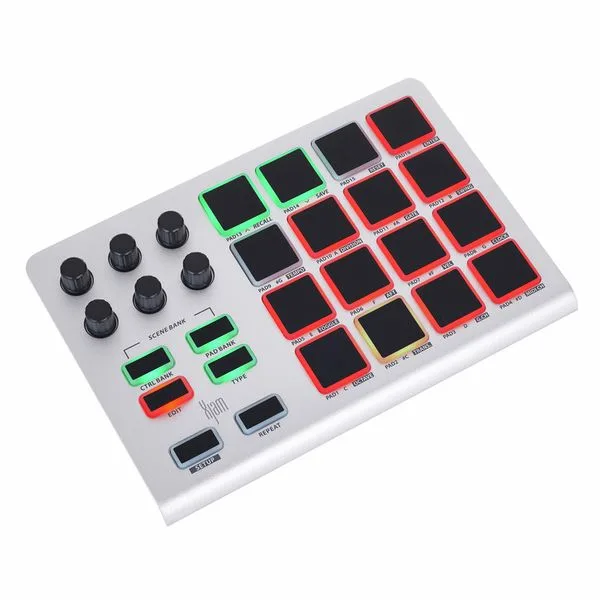
ESI Xjam
ESI
$249.95
RRP inc GST*
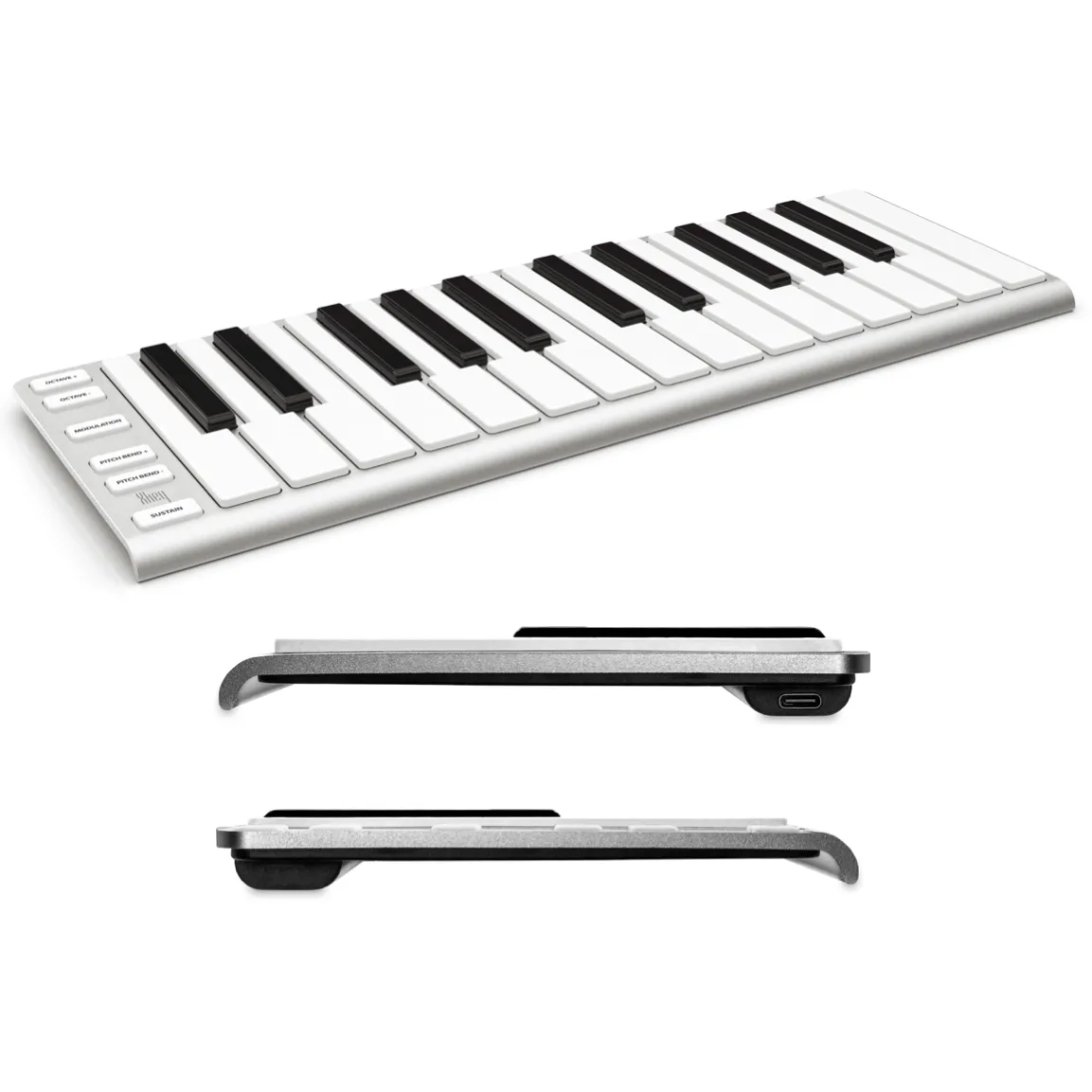
ESI Xkey 25
ESI
$299.95
RRP inc GST*
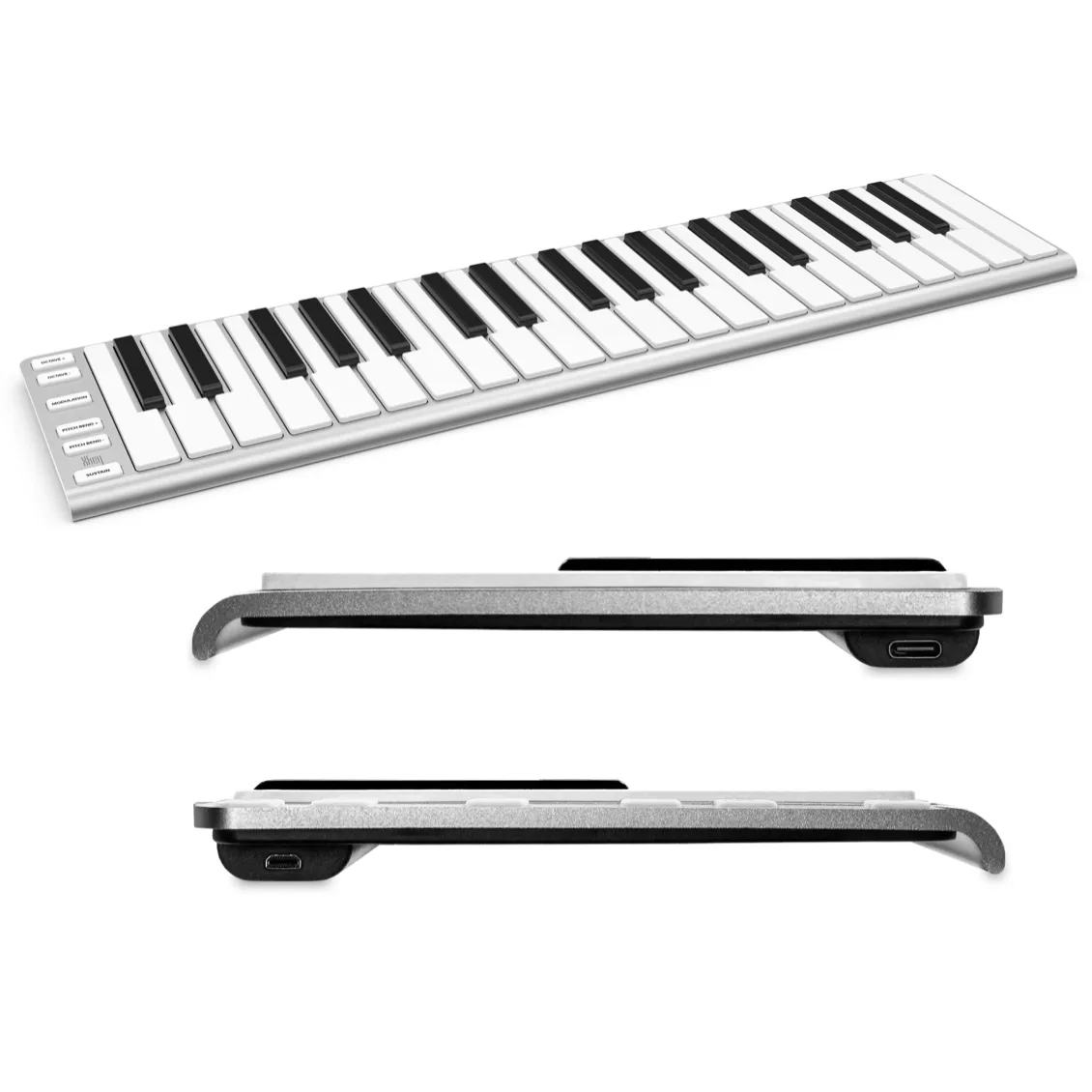
ESI Xkey 37
ESI
$499.95
RRP inc GST*
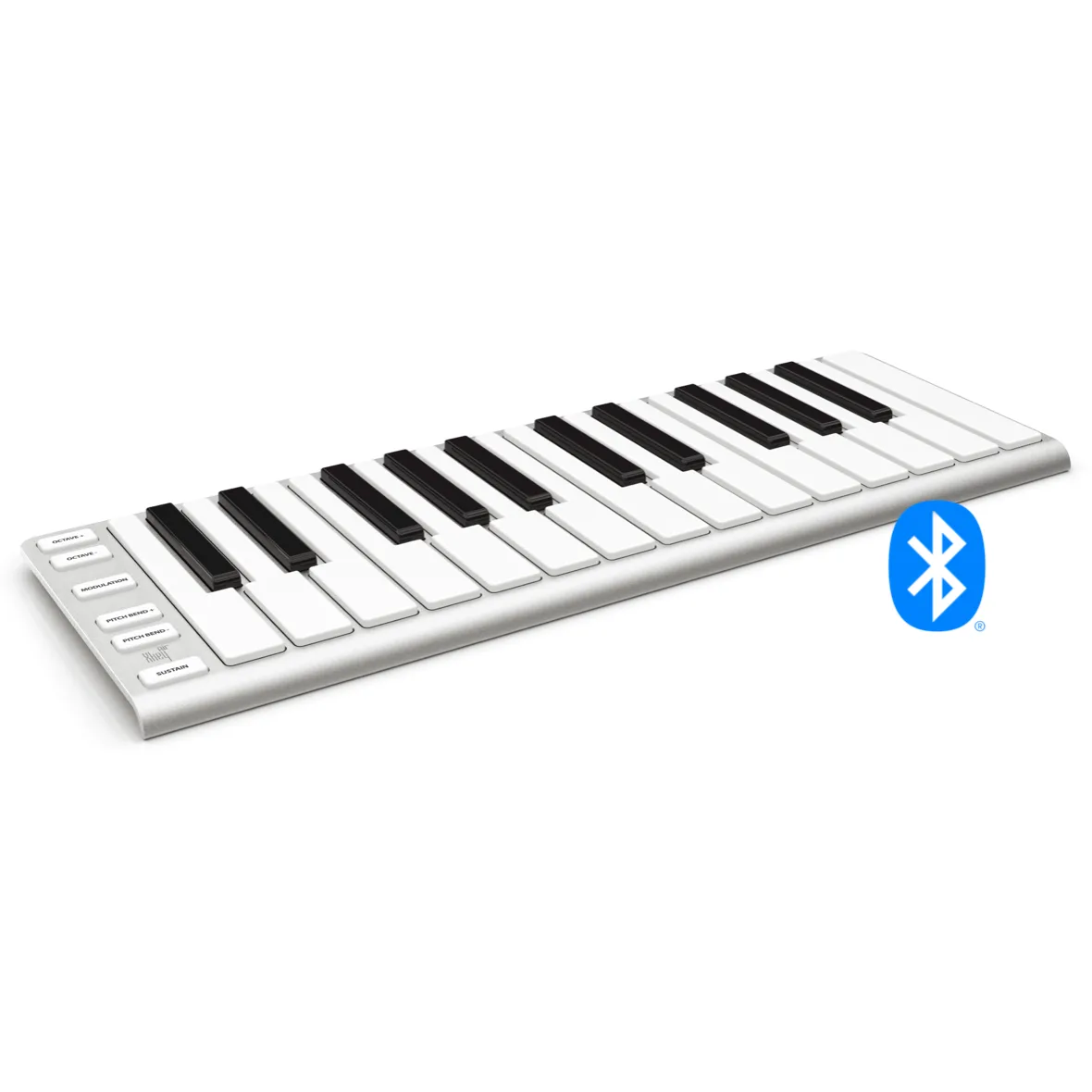
ESI Xkey Air 25
ESI
$449.95
RRP inc GST*
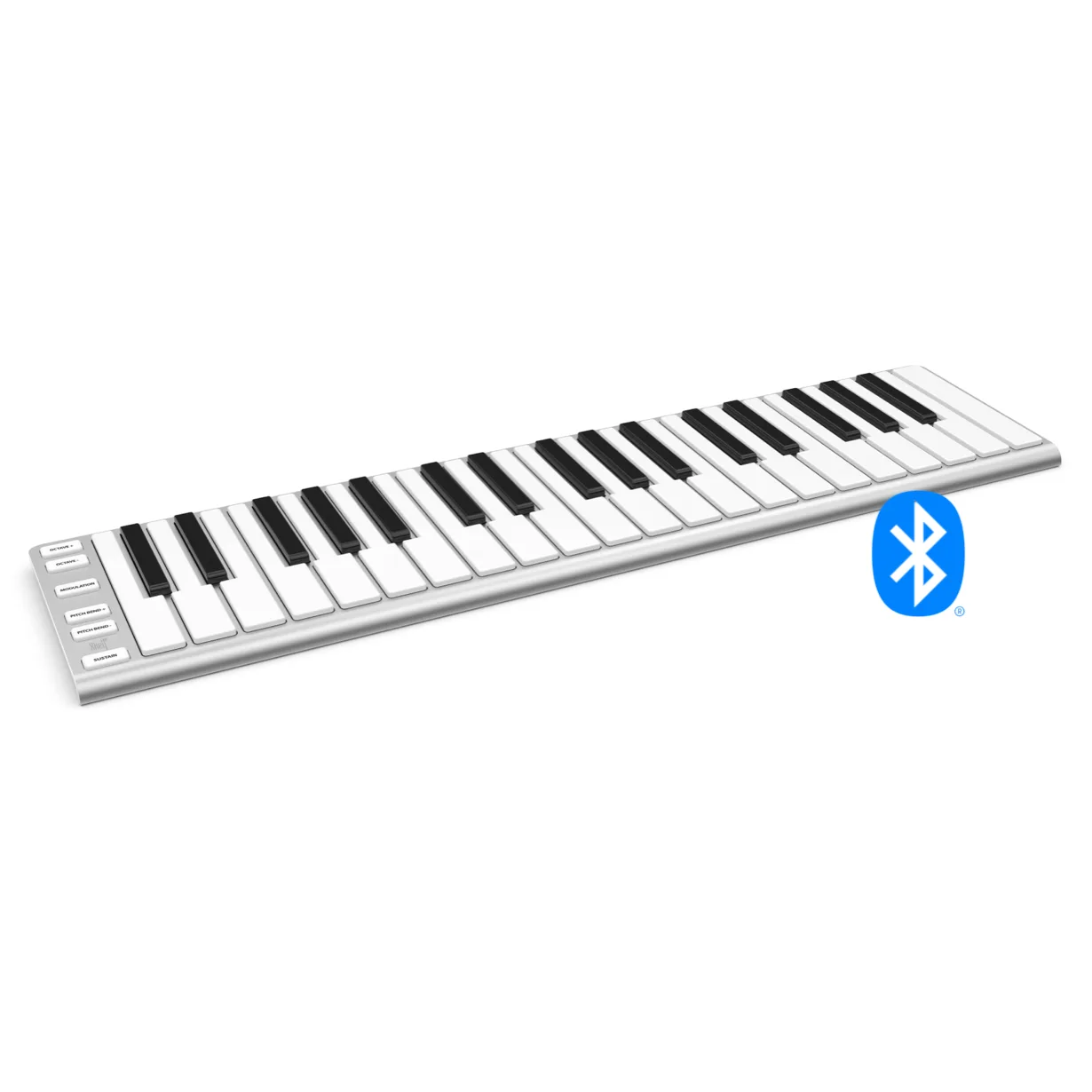
ESI Xkey Air 37
ESI
$629.95
RRP inc GST*
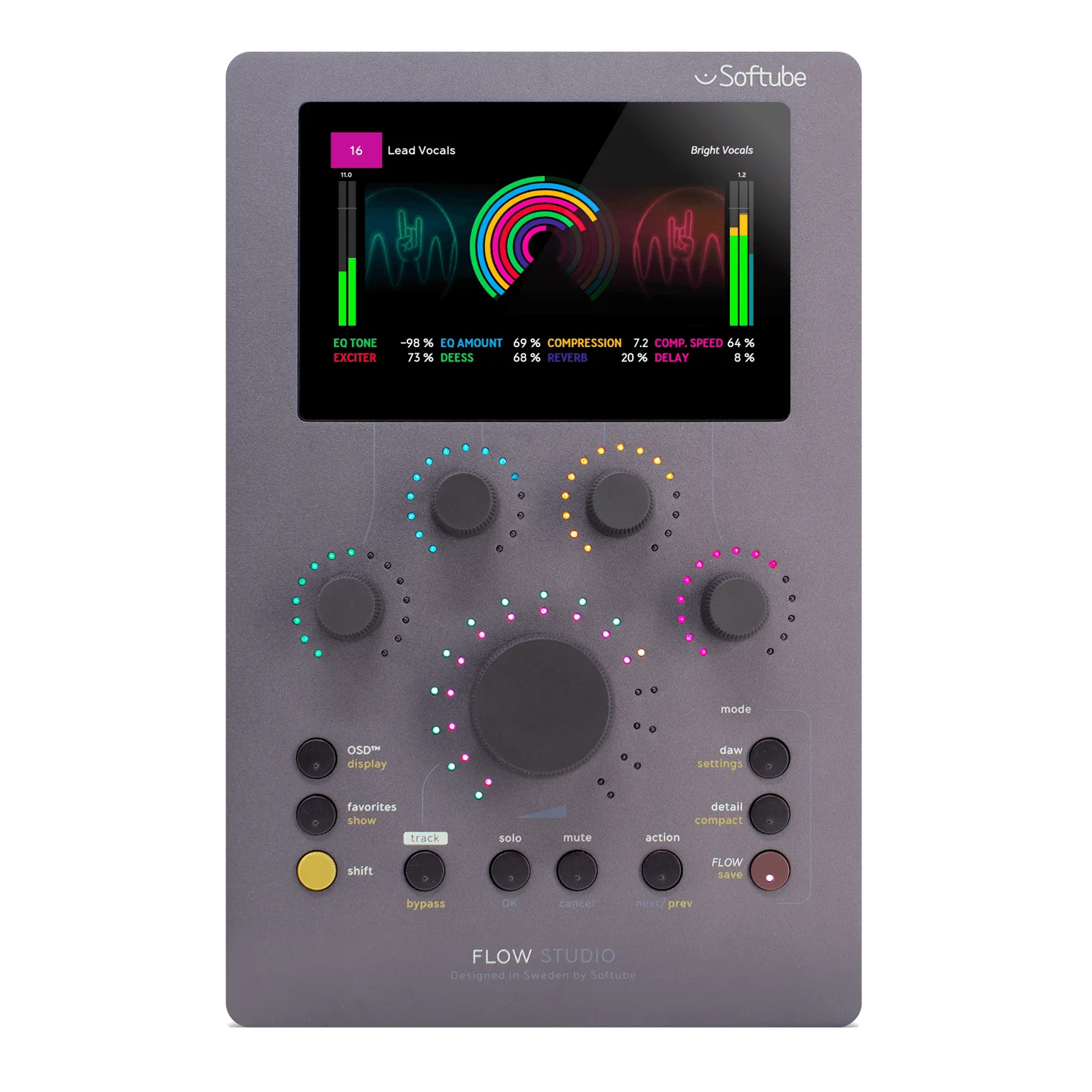
Flow Studio
Softube
$799.95
RRP inc GST*
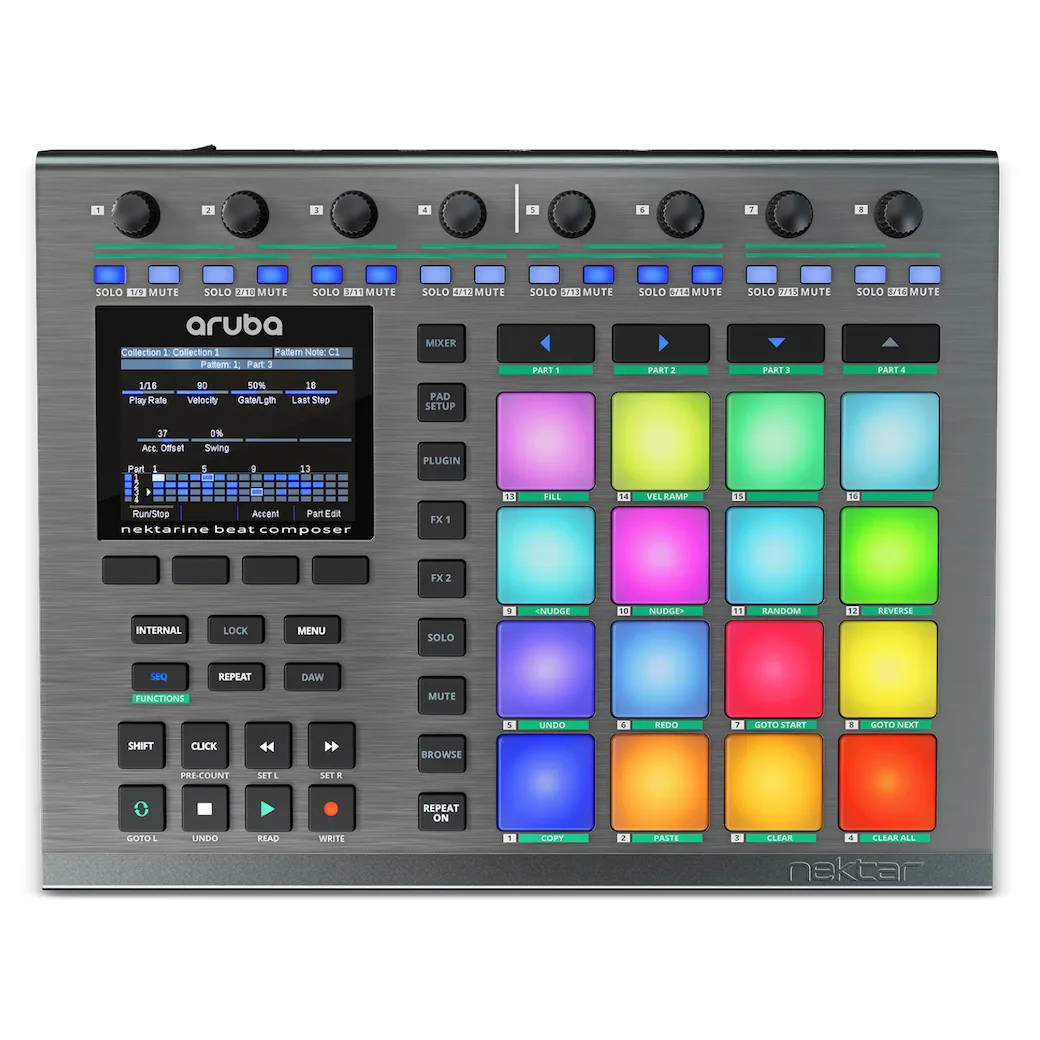
Nektar Aruba
Nektar
$709.95
RRP inc GST*
Learn more directly from Nektar's website →
* All pricing and stock availability are subject to change at any time without notice